tmobile home internet: A Simple, Friendly Guide for Anyone Wanting Easy Internet at Home
 Malina Joseph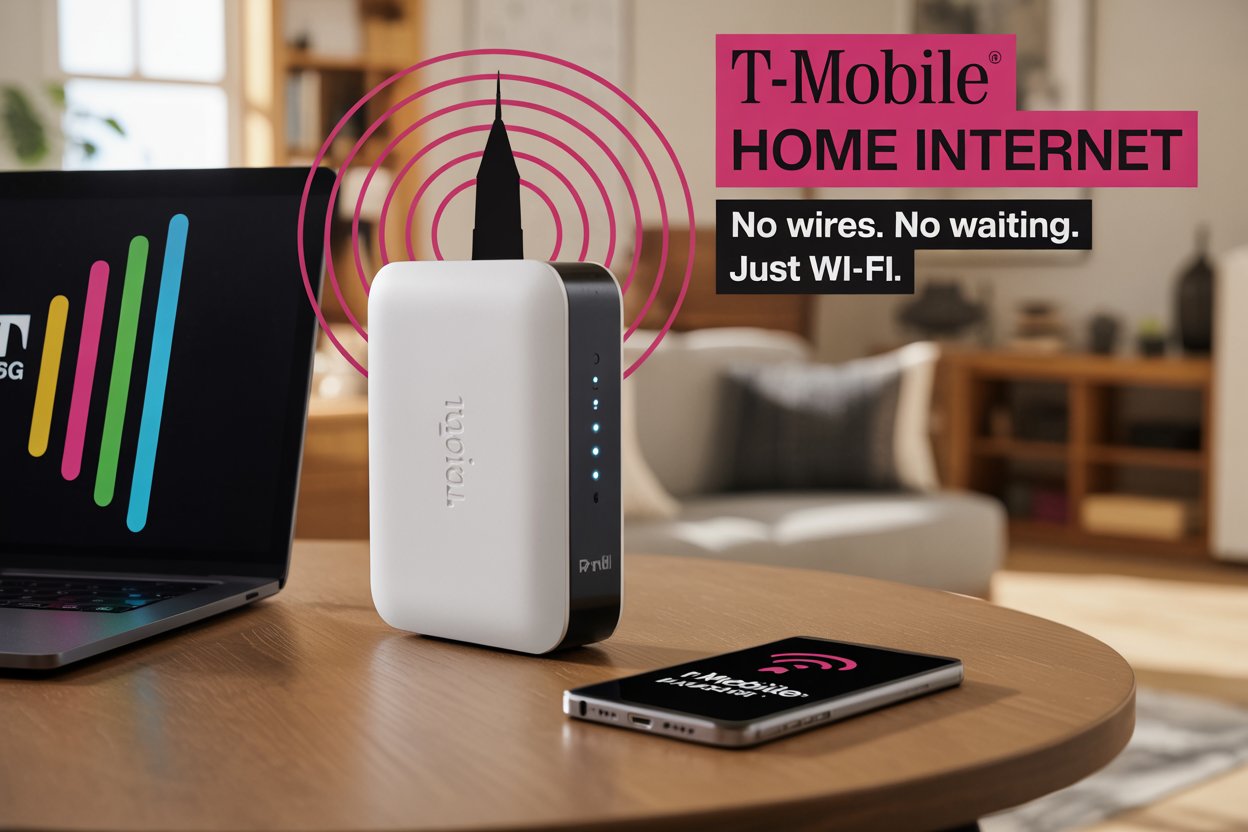
tmobile home internet
Many people want internet that’s simple, affordable, and doesn’t require a big install. That’s why so many people look at tmobile home internet. This guide is written for everyday families and regular consumers who just want clear answers without confusing tech talk. I use short sentences, simple words, and real examples. By the end, you’ll know if tmobile home internet is a good fit for your home, how fast it can be, how to set it up, how to log in and pay your bill, and what to expect from customer service.
What Is T-Mobile Home Internet?
T-Mobile offers home internet that uses its mobile network instead of wires or cable. The service uses a small box called a gateway. You plug it into power, and it gives you Wi-Fi. Many homes get strong results from towers nearby, especially with tmobile home internet 5g coverage. You don’t need a landline or technician install. You also don’t have to sign a long contract. If your home gets good T-Mobile coverage, the service is often fast and steady. If your coverage is weak, the signal and speed may be less stable. That balance is important to know before you try it.
How Much Does T-Mobile Home Internet Cost?
Price is one of the biggest reasons people consider tmobile home internet. Most customers pay around $50 per month. If you already use T-Mobile for your phone, you may pay as little as $30 per month with autopay. Taxes and offers may vary. The best part is the billing is simple. It usually includes the gateway, no extra fees for data, and no annual contract. Many customers prefer T-Mobile because the price is clear and doesn’t jump around. Still, always check the official T-Mobile website because plan details sometimes change.
How Fast Is T-Mobile Home Internet?
Speed depends on your location and tower strength. In good tmobile home internet 5g areas, some households can get speeds of several hundred megabits per second. That is fast enough for streaming, browsing, and video calls. In weaker areas, speeds may drop closer to 50 Mbps. That still works for most simple tasks. Speeds can slow down in the evening when more people are online. T-Mobile may also prioritize mobile phone customers during busy times. Before choosing the service, run a few speed tests or talk to neighbors who use it to understand what speeds are normal in your area.
Is T-Mobile Home Internet Good for Work and VPN?
For simple work-from-home tasks like email, browsing, and video calls, tmobile home internet often works well. However, some people have trouble with VPN connections used by companies for secure work. Speeds may drop or connections may struggle to stay open. Video calls may become blurry during peak times. This depends on how strong your home signal is. If your job needs steady VPN, test the service for a week before fully switching. If your work is light and doesn’t rely heavily on VPN, the service may be more than enough.
Setup and Installation — Simple and Fast
Setting up tmobile home internet is easy. You plug in the gateway, turn it on, and walk around your home to find the strongest signal. The device shows bars like a cellphone. Place it near a window or high shelf where bars are highest. The T-Mobile Internet app helps locate the best spot. Most people finish setup in under 30 minutes. If you own your own router, you can connect it to the gateway. This gives you more settings and more Wi-Fi coverage. The simple setup makes this service great for renters and people who move often.
Login, Account Access, and Paying Your Bill
Managing your account is simple with the T-Mobile website or mobile app. Use your T-Mobile ID to sign in. From there you can check your bill, change payment methods, and turn on autopay for lower pricing. Many customers like how easy it is to handle tmobile home internet login and billing in one place. If you want to pay early or switch payment cards, you can do it in a few taps. If something looks wrong, customer service can help. The app also shows device status and signal level.
Customer Service and Support Experience
T-Mobile is known for friendly customer service. Many users say tmobile home internet customer service is much easier than old cable companies. You can call, chat online, or visit a store. If your gateway has a problem, T-Mobile often replaces it quickly. Billing questions are handled with clear explanations. Some technical problems may require more than one call, especially if speeds change often in your area. Keep a log of your speed results if you plan to contact support. This helps them find the cause faster.
Common Problems and Outages
As a wireless service, tmobile home internet depends on nearby mobile towers. Sometimes towers get busy or go offline for repairs. When this happens, speeds may slow or your internet may briefly drop. Users sometimes notice slower speeds during evenings when many people are streaming. Firmware updates for the gateway may also cause short restarts. If you face a tmobile home internet outage, check the T-Mobile outage page, reboot your gateway, or move it to another spot. Some homes never face outages; others see them more often based on location.
Availability — Can You Get It at Your Home?
Availability depends on T-Mobile’s network in your area. The company continues expanding 5G coverage but not all streets have the same signal. Use the official tmobile home internet availability tool to check your exact address. Availability may even differ from one side of the street to the other. If the site says your address is eligible, you can order right away. If not, check back later, because availability can open when towers get upgrades. You can also ask a neighbor if they already use the service for real-life feedback.
T-Mobile Home Internet Lite and Plan Options
Some areas offer a lighter version called tmobile home internet lite. This plan focuses on basic needs like browsing, schoolwork, and streaming. It usually costs less but may have different speed expectations depending on the promotion. Always read the plan details, because Lite plans sometimes have limits or special conditions. If you want the best price, compare both plans side by side. If you are already a T-Mobile phone customer, be sure to check if you qualify for extra discounts on either plan.
Hardware — Gateways and Backup Batteries
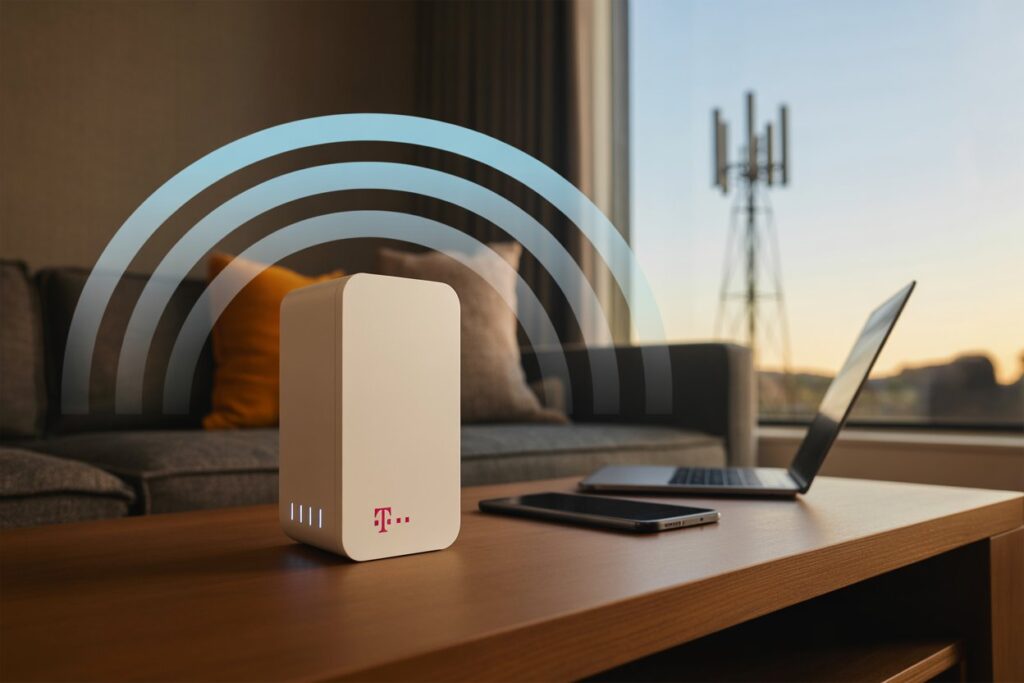
T-Mobile provides a gateway that connects to 4G and tmobile home internet 5g signals. The gateway may be a tall cylinder or a small box. Most of them support modern Wi-Fi and offer strong coverage inside your home. Some older models had backup batteries, but updates changed how these batteries worked. If backup power is important for your home security system or work needs, ask T-Mobile which gateway they are sending. If you want more advanced controls, use your own router along with the gateway.
My Personal Take and Real Example
I used tmobile home internet in a busy city. Setup was fast and simple, and I liked the price. For the first few weeks, speeds were excellent. Later, speeds became less steady during late afternoons. I work from home, so I noticed video calls dropping quality at times. Billing was smooth, and cancellation was easy when I changed services. Several neighbors used the same service with better results than me. This shows how much performance depends on tower strength around your home. Your experience may be better or weaker depending on your location.
How to Test T-Mobile Home Internet Before You Commit
Before fully switching, test the service. Run speed tests in the morning, afternoon, and night. Try video calls and any work tools you rely on. This helps you see how tmobile home internet speed changes during the day. Keep notes. Ask neighbors or check online forums for your city. If you decide it’s not right for you, return the gateway within the trial period. Testing first can save you frustration later and helps you make a confident choice.
Comparison with Cable, Fiber, and Satellite
Cable and fiber are usually steadier than wireless. Fiber gives the best speed and lowest delay. Cable is a strong second option. tmobile home internet is great if you want low cost and easy setup. It’s also good for renters who don’t want wires installed. Satellite works in very remote places but can feel slower. Think about your needs. If you use a lot of video calls or gaming, fiber or cable may work better. For everyday browsing and streaming, mobile home internet is often enough.
Tips to Improve Your T-Mobile Home Internet Experience
Small adjustments help a lot. Place your gateway near a window. Keep it away from thick walls. Restart it once in a while. Add your own router for better Wi-Fi coverage. Update the T-Mobile app and firmware. If speeds slow at certain hours, keep a log and share it with customer support. If your home has weak spots, consider Wi-Fi boosters. These small steps can improve the reliability of tmobile home internet.
Is T-Mobile Home Internet Right for You?
If you want simple setup, no contracts, and a low monthly bill, tmobile home internet is a good choice to try. If you need perfect speeds all day or heavy VPN use, you may prefer fiber or cable. The best way to know is to test it at your address. Many families find it more than good enough. Others switch back to wired options for stability. Think about how many people will use the internet at the same time. That helps you decide if the service will fit your home.
How to Cancel or Switch Providers
Canceling tmobile home internet is usually easy. Call or cancel online. Return the gateway to avoid fees. Keep your return receipt. If you are switching to another provider, wait until the new service works before canceling T-Mobile. This avoids gaps in service. T-Mobile does not pressure customers to stay, which is refreshing compared to many old cable companies. The process is straightforward and friendly.
Final Advice Before You Sign Up
Check availability at your address. Ask neighbors about their experience. Test speeds at different times. Read the plan details. Keep the box and equipment in case you return it. Remember that tmobile home internet offers freedom from contracts and simple billing. It is one of the easiest options to try. If it works well in your area, you can save money and stress. If not, canceling is easy. Make the choice that fits your home best.
FAQs
1. How do I check if T-Mobile Home Internet is available where I live?
Use the online tmobile home internet availability checker on T-Mobile’s site. Enter your exact address for accurate results. You can also call or ask neighbors if they already use the service.
2. Can I use my own router with T-Mobile Home Internet?
Yes. Plug your router into the gateway. This gives you better Wi-Fi control and more settings. Many users prefer this setup.
3. Does T-Mobile Home Internet have data caps?
No. The plan includes unlimited data. But during busy times, home internet may be deprioritized behind mobile phones.
4. How do I pay my T-Mobile Home Internet bill?
You can manage tmobile home internet pay bill settings in the T-Mobile app or website. Turn on autopay to save money. You can update cards anytime.
5. Is T-Mobile Home Internet good for gaming?
Casual gaming is fine. For competitive gaming, you may prefer fiber or cable with lower ping. Wireless networks vary more during busy hours.
6. What should I do during a T-Mobile Home Internet outage?
Restart your gateway. Move it to a better spot. Check for tmobile home internet outage updates on the T-Mobile website. Contact support if issues continue.
About the Author
